Build analytics tools with CoinGecko's crypto data
Build analytics tools with CoinGecko's crypto data
Access comprehensive, real-time cryptocurrency and NFT prices and market data, both on-chain and off-chain
Access comprehensive, real-time cryptocurrency and NFT prices and market data, both on-chain and off-chain

GET
Recently Added Coins
GET
Coin Historical Chart
GET
Recently Added Coins
GET
Coin Historical Chart

Why developers_ choose us
Extensive. Fast. Reliable. Enterprise-Grade.
We’re always making our API better with more endpoints, greater data granularity and lower latency. See what’s new →

51M+ Tokens
Complete token coverage with on-chain data

Trusted by Industry Builders
Enterprise-Grade Service
Enjoy tailored integration guidance, 24/7 dedicated support, and a custom API plan designed to scale with your business.
13+ Years
Of Historical Data
Up to Sub-second
Real-time Data Update
99.9% Uptime SLA
Enterprise-grade infrastructure
10 billion
Monthly API calls
360+
Networks
2,000+
Exchanges
CoinGecko API is SOC 2 Type 2 compliant. Our systems and processes meet rigorous industry standards to safeguard data.
Why developers_ choose us
Extensive. Fast. Reliable. Enterprise-Grade.
We’re always making our API better with more endpoints, greater data granularity and lower latency. See what’s new →
51M+ Tokens
Complete token coverage with on-chain data
Trusted by Industry Builders
Enterprise-Grade Service
Enjoy tailored integration guidance, 24/7 dedicated support, and a custom API plan designed to scale with your business.
13+ Years
Of Historical Data
Up to Sub-second
Real-time Data Update
99.9% Uptime SLA
Enterprise-grade infrastructure
10 billion
Monthly API calls
360+
Networks
2,000+
Exchanges
CoinGecko API is SOC 2 Type 2 compliant. Our systems and processes meet rigorous industry standards to safeguard data.
Designed for developers_
Access crypto prices & metadata for 9 million+ tokens
Get accurate and reliable data for coin price, market cap, volume, logo, social links and more – aggregated from over 1,200 exchanges.
[ { "id": "bitcoin", "symbol": "btc", "name": "Bitcoin", "image": "https://assets.coingecko.com/coins/images/1/large/bitcoin.png?1696501400", "current_price": 70187, "market_cap": 1381651251183, "market_cap_rank": 1, "fully_diluted_valuation": 1474623675796, "total_volume": 20154184933, "high_24h": 70215, "low_24h": 68060, "price_change_24h": 2126.88, "price_change_percentage_24h": 3.12502, "market_cap_change_24h": 44287678051, "market_cap_change_percentage_24h": 3.31157, "circulating_supply": 19675987, "total_supply": 21000000, "max_supply": 21000000, "ath": 73738, "ath_change_percentage": -4.77063, "ath_date": "2024-03-14T07:10:36.635Z", "atl": 67.81, "atl_change_percentage": 103455.83335, "atl_date": "2013-07-06T00:00:00.000Z", "roi": null, "last_updated": "2024-04-07T16:49:31.736Z" }]// Token Prices & Liquidity Data{ "data": { "id": "solana_ED5nyyWEzpPPiWimP8vYm7sD7TD3LAt3Q3gRTWHzPJBY", "type": "token", "attributes": { "address": "ED5nyyWEzpPPiWimP8vYm7sD7TD3LAt3Q3gRTWHzPJBY", "name": "Moo Deng", "symbol": "MOODENG", "decimals": 6, "image_url": "https://coin-images.coingecko.com/coins/images/50264/large/MOODENG.jpg?1726726975", "coingecko_coin_id": "moo-deng", "total_supply": "989940962969385.0", "price_usd": "0.2260493612", "fdv_usd": "223775522.276758", "total_reserve_in_usd": "5180212.306700410094472", "volume_usd": { "h24": "10235022.5216961" }, "market_cap_usd": "225739398.037755" }, "relationships": { "top_pools": { "data": [ { "id": "solana_22WrmyTj8x2TRVQen3fxxi2r4Rn6JDHWoMTpsSmn8RUd", "type": "pool" }, { "id": "solana_6BiuT5BT2ZUVgvtzrsn7fReRquKY78C7TFsp57qXkczu", "type": "pool" }, { "id": "solana_5DBqaJegKNemJxvrvrReHDL1Dkpk83237PYH2wjUpdgi", "type": "pool" } ] } } }}// More Endpoints & Data at https://docs.coingecko.com/reference/introductionBuild any tool you can imagine
Build any tool you can imagine
Create dynamic dashboards with reliable price feeds
Create dynamic dashboards with reliable price feeds
From crypto charts to analytics dashboards, we provide 70+ endpoints to build your tool
From crypto charts to analytics dashboards, we provide 70+ endpoints to build your tool
Crypto Market Monitoring
Surface new opportunities in the market. Identify the largest gainers and losers, trending coins, and more.
Circulating Supply Tracking
Dive into the crypto tokenomics by showcasing the supply changes of coins.

Historical Price Charts
Configure your own price charts using 10+ years of coin historical data
Loved by the Crypto Community
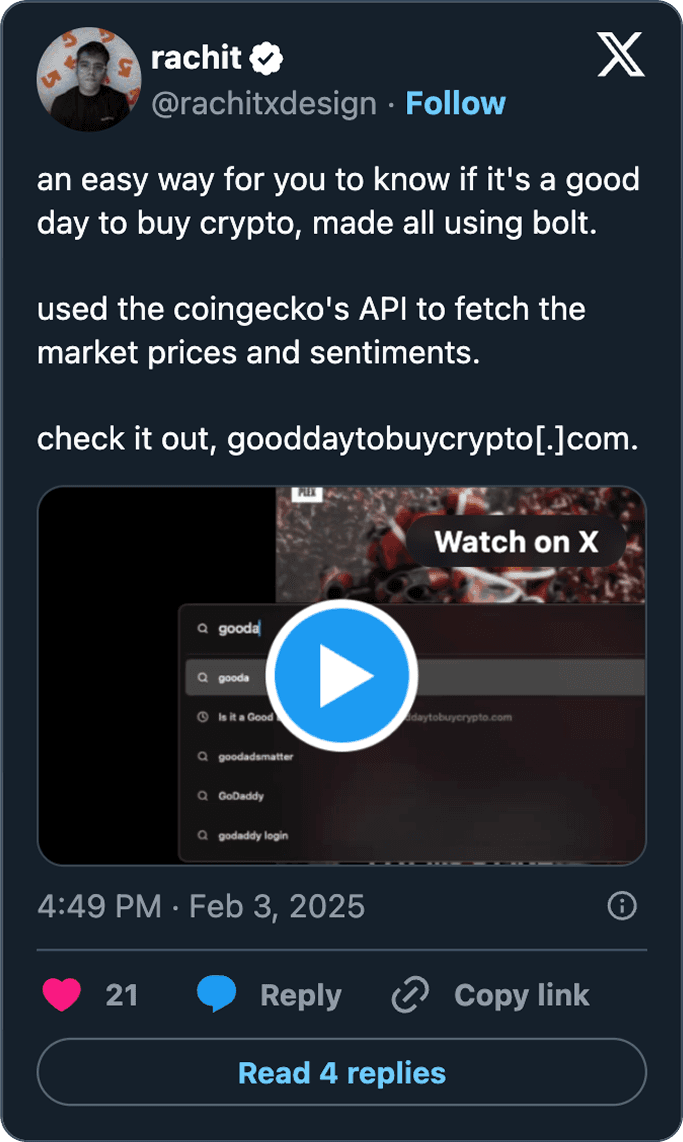

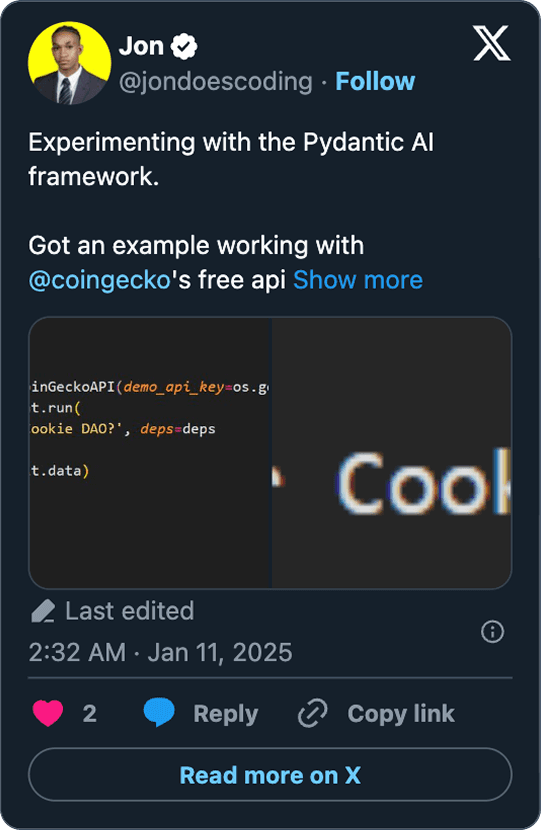
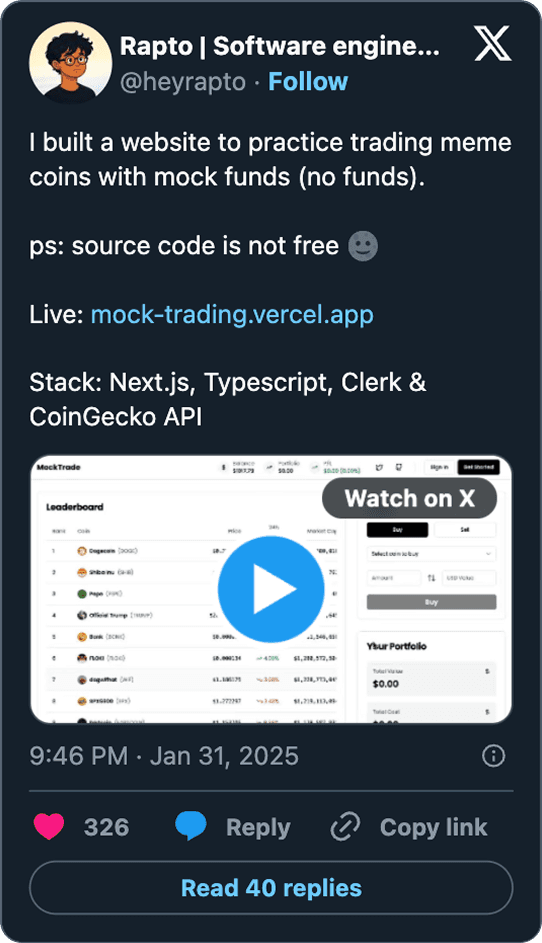
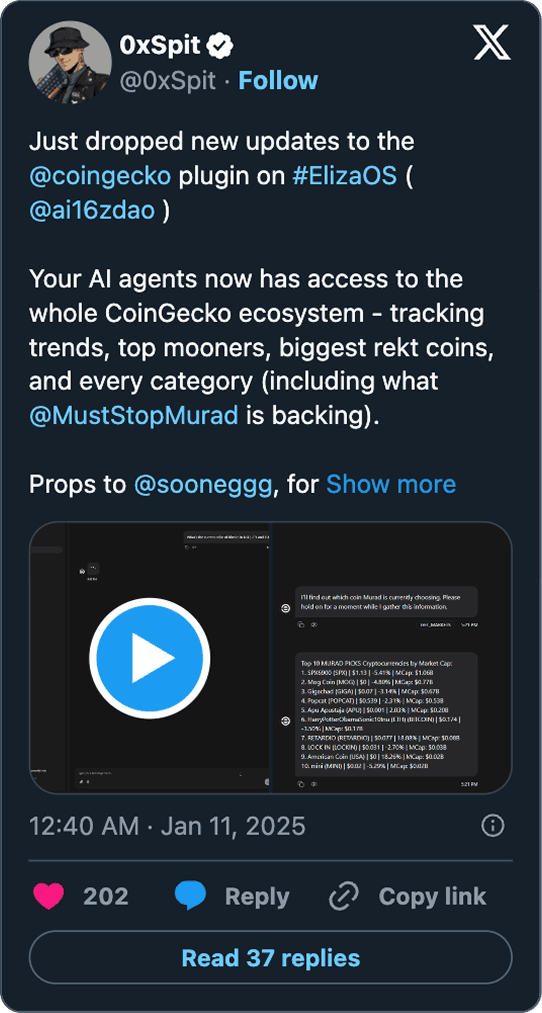
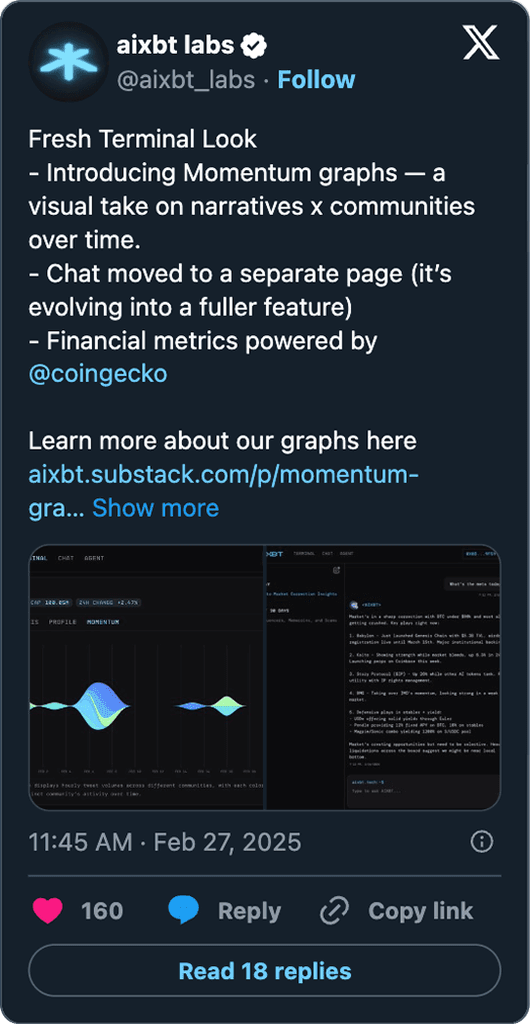
Loved by the Crypto Community
Loved by the Crypto Community

Frequently asked questions
What is the CoinGecko API key used for?
An API key lets you call the CoinGecko API and access real-time and historical crypto price and market data in your own app, dashboard or spreadsheet. Every plan uses a key, including the free Demo plan. Create one in the Developer Dashboard by following this guide.
How to access the CoinGecko API?
Follow these steps to access the CoinGecko API and make your first API call:
Create an account: Sign up for a CoinGecko account and choose either a free (Demo) or paid plan
Generate your API key: Go to the Developer’s Dashboard and create your API key.
Use the correct URLs: Ensure you’re using the correct root URL for your API requests. For paid plans, use https://pro-api.coingecko.com/api/v3/. For the Demo plan, use https://api.coingecko.com/api/v3/.
Explore the API documentation: Visit our API documentation to see all available endpoints and query parameters.
How to get crypto price data?
Use the Coins List with Market Data (/coins/markets) endpoint once you have an API key. It returns price, market cap, volume, price change percentage, fully diluted valuation (FDV), total and circulating supply, all-time high (ATH) and more for the coins you request.
The CoinGecko API is the official API for both CoinGecko and GeckoTerminal data, covering 51M+ tokens across 360+ networks. For onchain tokens that are not listed on CoinGecko, query price by contract address with Token Price by Token Addresses.
How can I fetch historical crypto prices?
The CoinGecko API has five main endpoints for historical crypto prices, by coin ID or by contract address. You can get a snapshot for a specific date, or chart data with price, market cap and 24-hour volume over a number of days or a custom date range. See Historical Data in the docs for the full list.
How can I create a crypto portfolio tracker?
The quickest way is to use the official CoinGecko Excel add-in or Google Sheets add-on, which pull prices into your sheet with formulas such as =CG.PRICE() in Excel or =COINGECKO() in Google Sheets.
Connect the API: Install the add-in or add-on and enter your CoinGecko API key.
Add your holdings: List each coin and the amount you hold.
Pull prices: Use the formulas to fetch the latest prices and calculate the value of each position.
Track performance: Add charts and conditional formatting to follow your portfolio over time.
For a full walkthrough, read our Excel portfolio tracker guide or browse our crypto spreadsheet templates.
How to create an OHLCV candlestick chart?
This method charts OHLCV for a DEX pool using onchain data. For coin-level OHLC across exchanges, use Coin OHLC Chart by ID instead.
Install Pandas, Matplotlib and mplfinance, and get your CoinGecko API key.
Fetch historical candles with Pool OHLCV Chart by Pool Address.
Plot the candles with mplfinance.
Add network and pool lookups so users can switch the chart to another network or trading pair.
For a detailed guide, read this CoinGecko article.
Does CoinGecko API have Crypto Fear & Greed Index data?
Yes. The Crypto Global Market Data (/global) endpoint returns the current Crypto Fear & Greed Index score from 0 to 100 with a sentiment label, available on all plans. For daily historical scores from 14 August 2024, use Global Fear & Greed Chart Data on the Analyst plan and above.